Answers to shoppers’ questions, right on the product page.
Label is an AI widget for your product pages. It writes a short summary of every product and answers what shoppers ask, using only your product pages, catalog and policies. It takes on your store’s type and colors, and every answer shows where it came from.
Add it to your store
Install the Shopify app or the WooCommerce plugin, or paste one line of script into any site.
It reads your catalog
Product pages, policies and the notes you add. There’s nothing to train, and it keeps up as products change.
Shoppers get answers
A summary on every product page, and answers to typed questions, each pointing to its source.
Ask it something.
This is the real widget on three sample stores, each in its own type and colors. It plays a short demo; click into the page to take over, then tap a question or type your own.
Everything the widget doesWhat shoppers ask, answered from each product’s own page.
Fit, ingredients, sizes, care, delivery: the questions that hold up a purchase get a short answer on the page, with the line it came from.
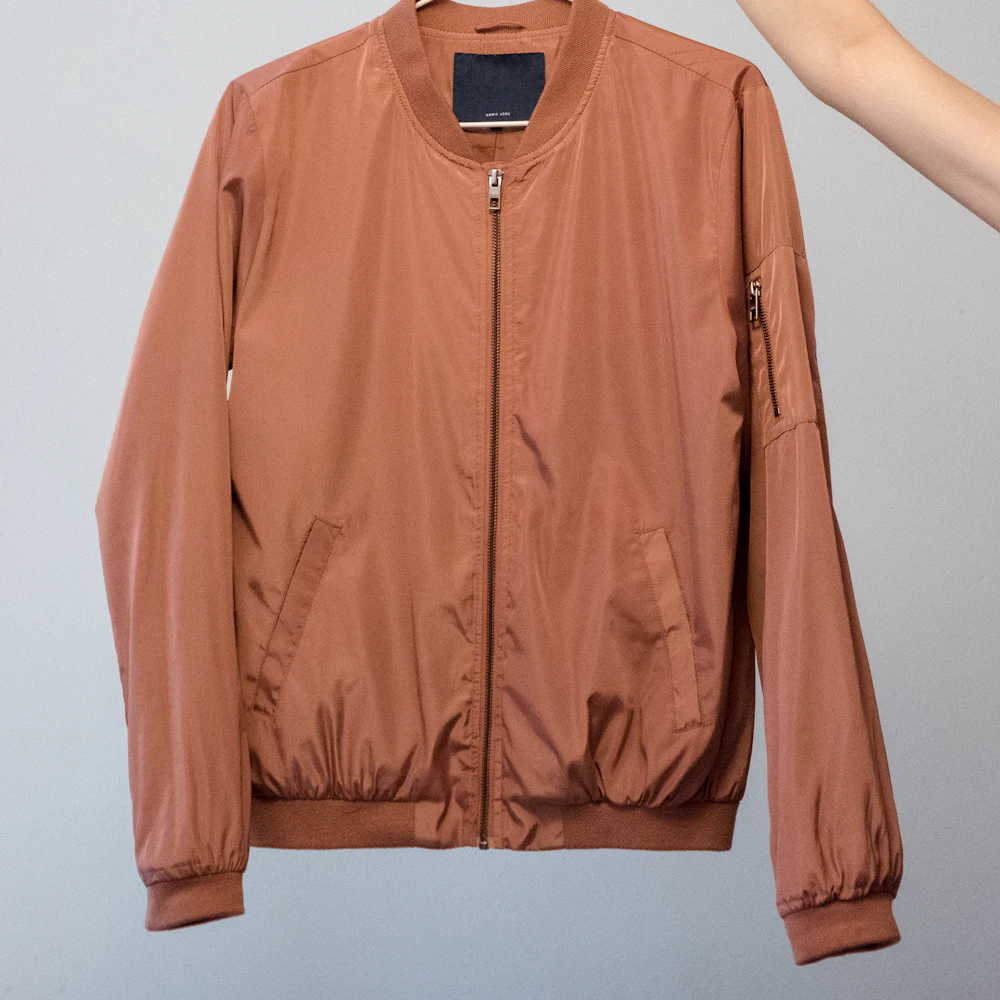
Does it run large?
It's a regular fit. Size up if you'll wear a chunky sweater under it.
From the size guide
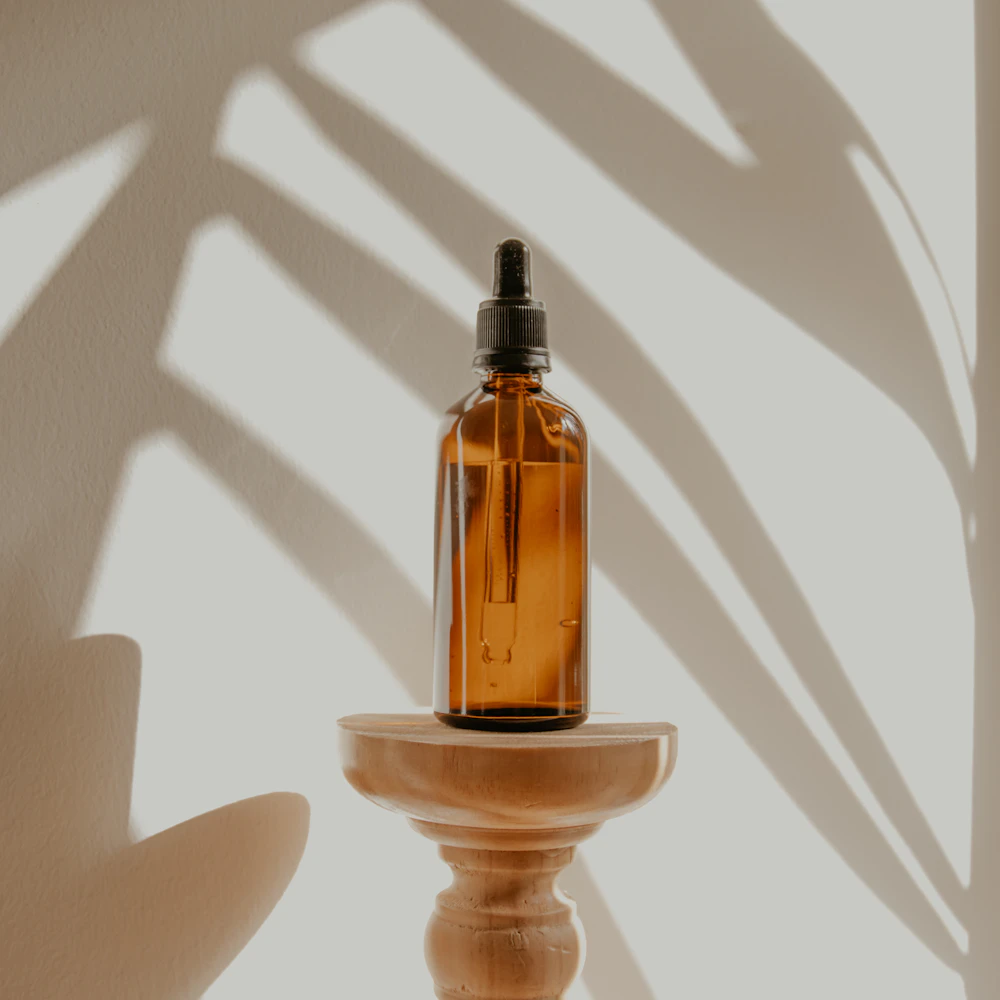
Can I wear it under makeup?
Yes. Press in two or three drops after moisturizer and give it a minute.
From the how-to-use notes

Will it fit through my door?
It needs a doorway 32 inches wide. The legs unscrew for delivery.
From the dimensions

How long does it burn?
About 45 hours. Trim the wick before each light so it burns evenly.
From the product details
Sample stores and products. Each answer is written from that product’s own page.
Every answer points to the line it came from.
Label answers only from your product pages, catalog and policies. Before a shopper sees an answer it’s checked: it must name its source, a quote must appear there word for word, and an email or phone number must be your own. A draft that fails is written again.
When your data doesn’t cover a question, the widget says so instead of guessing, and the question lands in your dashboard.
How answers are checkedEmber Soy Candle · product page
Hand-poured in small batches from soy wax, with a cotton wick and notes of cedar and smoked vanilla. Burn time: about 45 hours. For an even pool, let the first burn reach the edge of the jar, and trim the wick before each light.
How long does it burn?
About 45 hours1. Trim the wick before each light so it burns evenly2.
Burns for up to 60 hours with proper care.
“60 hours” isn’t on the page. Taken back and written again.
You can edit anything it writes.
Every summary and answer is in your dashboard, product by product. Change one and Label keeps your version. The questions it couldn’t answer are collected there too, so you can add the missing fact once.
Tour the dashboard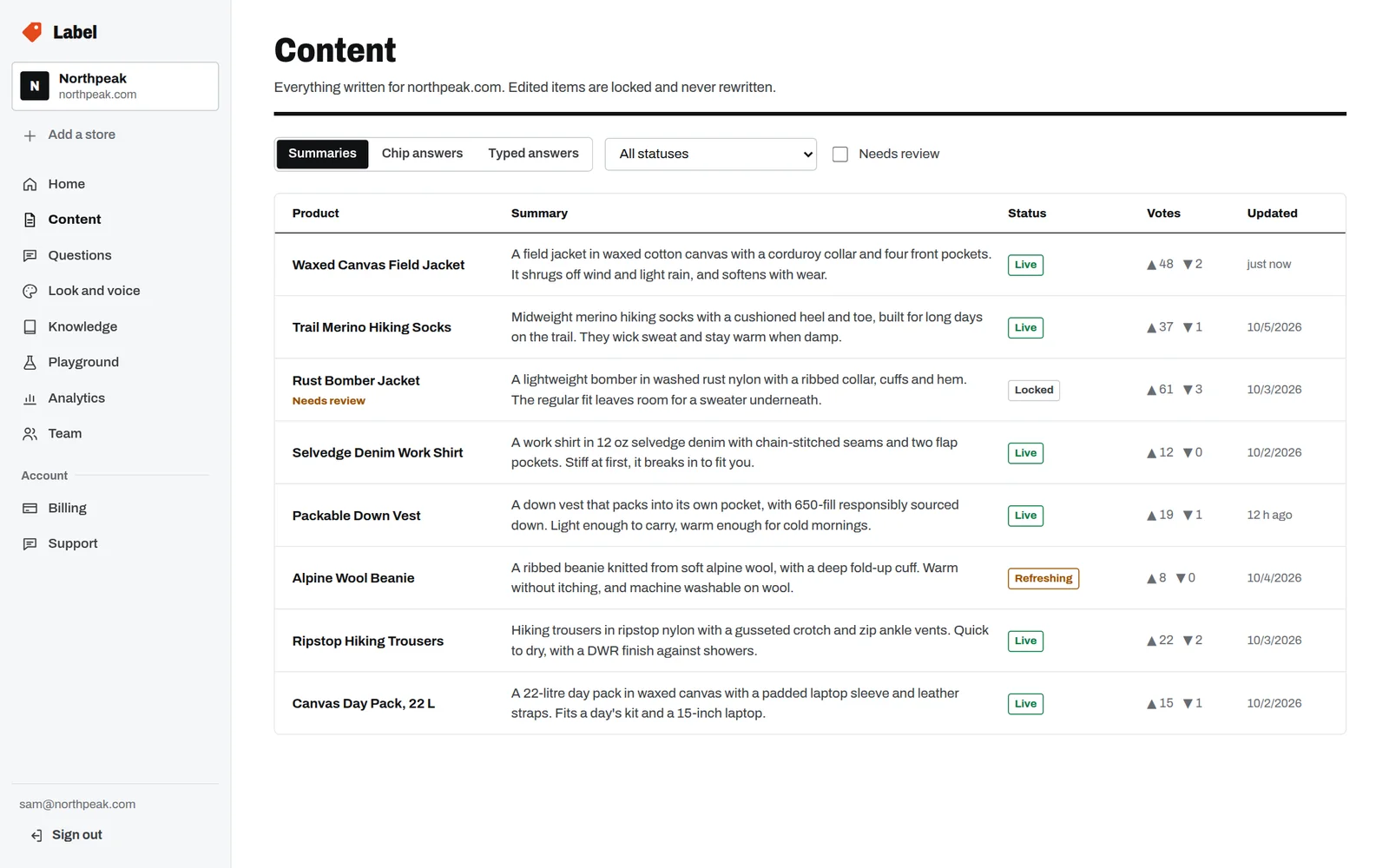
One line of script on any site, the WooCommerce plugin, or the Shopify app.
- Any websiteOne line of script. Label reads each product page itself; there’s no catalog to upload.Available now
- WooCommerceA plugin you connect from WordPress. It keeps your catalog in sync as you save, delete and restock.Available now
- ShopifyAn app inside Shopify admin: your catalog on install, a theme block, and billing on your Shopify invoice.Coming soon
Priced per store, from $29 a month.
Every plan includes AI credits each month. Anything already written is shown to every shopper at no extra cost, so you pay for new writing, not for traffic.
GrowthRecommended
$99a month
- 5,000 products
- 21,000 AI credits a month
- “Powered by Label” badge
14 days free on every plan, then billed monthly. Larger catalogs: Enterprise and credit packs.