Built like a product label.
A summary, the facts that matter, the questions shoppers ask and a box for anything else. Written from your own product data and set in your store’s type and colors.
- Placement
- In the page, floating, or both
- Languages
- Seven
- Looks
- Your store’s font and colors
- Loading
- After your page, never before
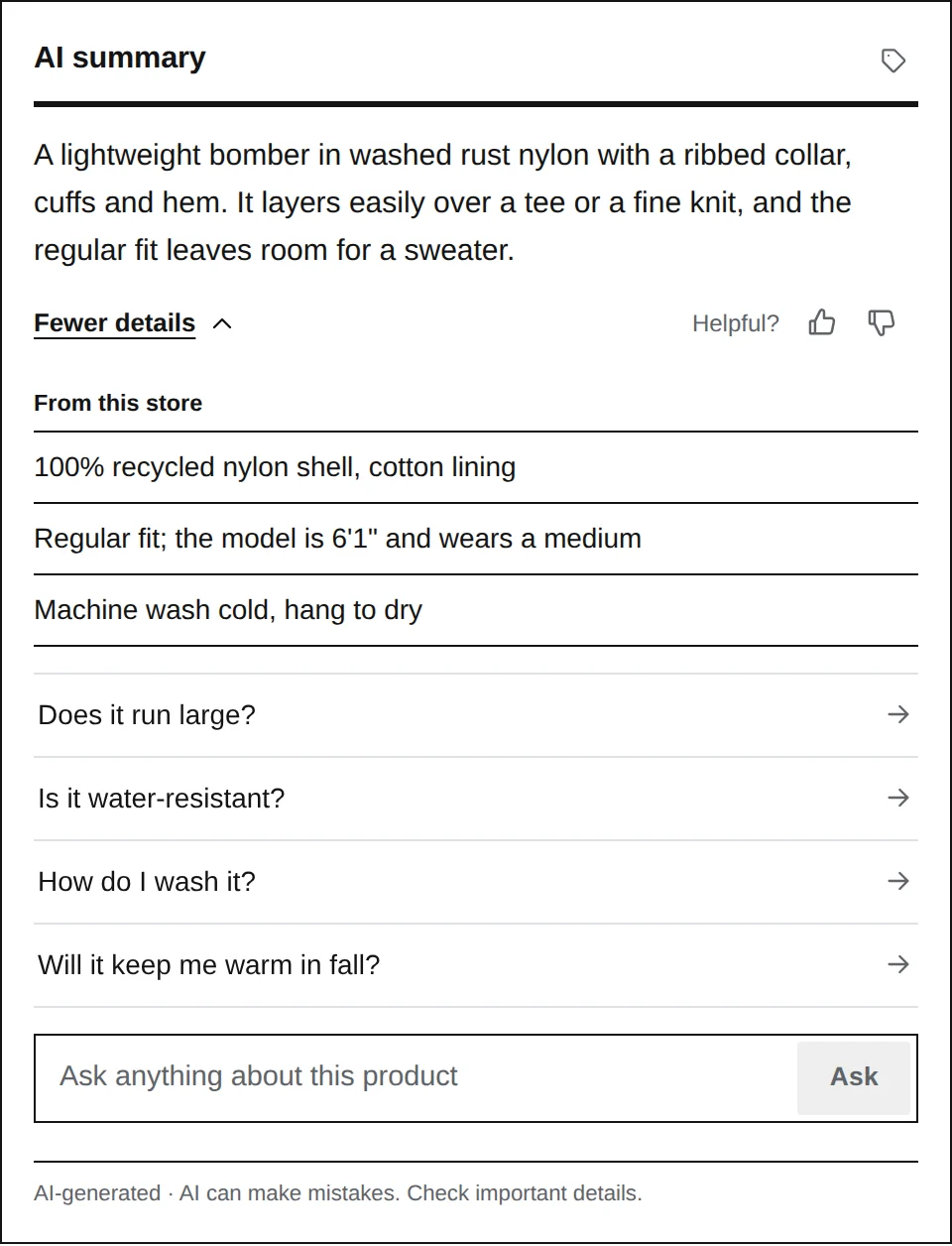
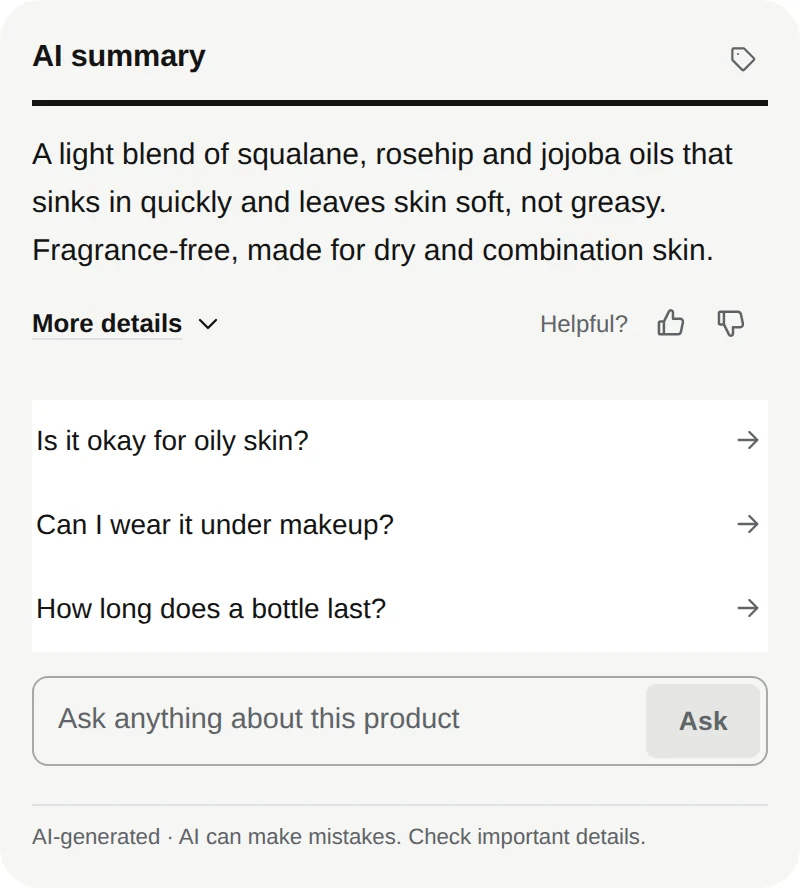
- AI summary
Two or three lines on who it’s for, what it’s made of and what sets it apart.
- More details
Facts from your store, each one taken from your product page, catalog or policies.
- Suggested questions
Written for each product. Tap one for the answer, then follow-ups.
- Question box
Anything about the product, answered from your data.
- Powered by Label
A small tag mark on Starter and Growth. Pro and Enterprise go without.
- Helpful?
A rating on everything it writes. Poorly rated content is written again.
- Disclosure
Every view says it’s AI-generated, with a short reminder to check what matters.
- Powered by Label
A small tag mark on Starter and Growth. Pro and Enterprise go without.
- AI summary
Two or three lines on who it’s for, what it’s made of and what sets it apart.
- Helpful?
A rating on everything it writes. Poorly rated content is written again.
- More details
Facts from your store, each one taken from your product page, catalog or policies.
- Suggested questions
Written for each product. Tap one for the answer, then follow-ups.
- Question box
Anything about the product, answered from your data.
- Disclosure
Every view says it’s AI-generated, with a short reminder to check what matters.
The summary and the details
Written the first time a shopper opens the page, then served to every shopper after from cache.
The summary says, in two or three lines, who the product is for, what it’s made of and what sets it apart. More details opens the facts behind it: the materials, sizes, care and specs from your product page and catalog, each taken from a source Label can point to.
If you allow it, a short note of general info can add context your data doesn’t have, such as what a material is generally like. It’s always labeled as general info, never mixed in with your facts, and you choose how much it may add, or turn it off.
- Summary
- Two or three lines
- More details
- Facts from your store, with sources
- General info
- Labeled, and only if you allow it
- Your edits
- Kept exactly as written
Questions, answered on the spot
Suggested questions for each product, and a box for anything else.
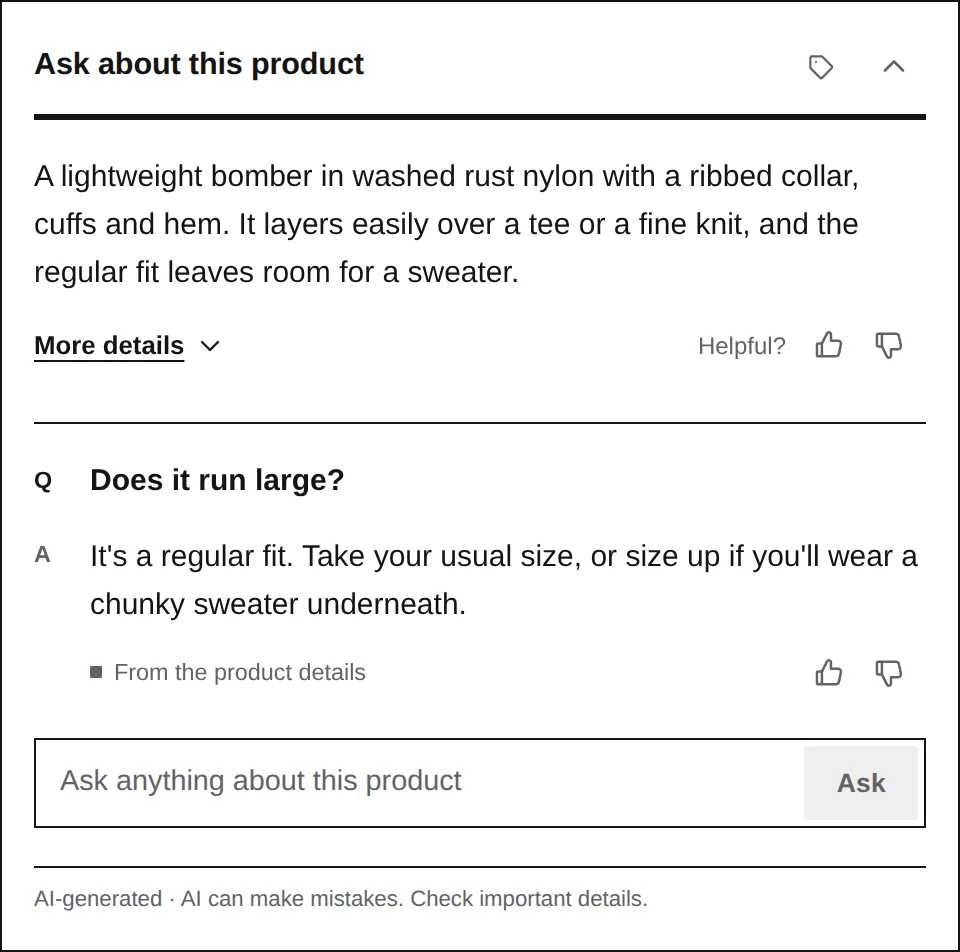
Each product gets its own suggested questions: what shoppers want to know about it, like fit, materials, care or what’s in the box. A tap shows the answer and offers follow-ups. Shoppers can also type their own question.
- Every answer says where it came from: the product details, the specs, or your store’s policies.
- While it works, it says what it’s doing, in words: reading the product details, checking the store’s info, writing the answer.
- Answers type themselves in, whether freshly written or from cache.
- The box asks shoppers not to share personal details, and takes up to 200 characters.
- After a few typed questions, a quick human check keeps bots from running up your credits.
Where it sits on the page
In the page body, as a floating panel, or both. You choose in the dashboard; nothing to edit in your theme.
In the page body, where you put a placeholder tag or next to an element you pick in the dashboard.
A button in a corner of the page that opens a panel.
The summary in the page, and the panel a tap away. One conversation.
In the page where it has a place, floating where it doesn’t. The default.
In your store’s look
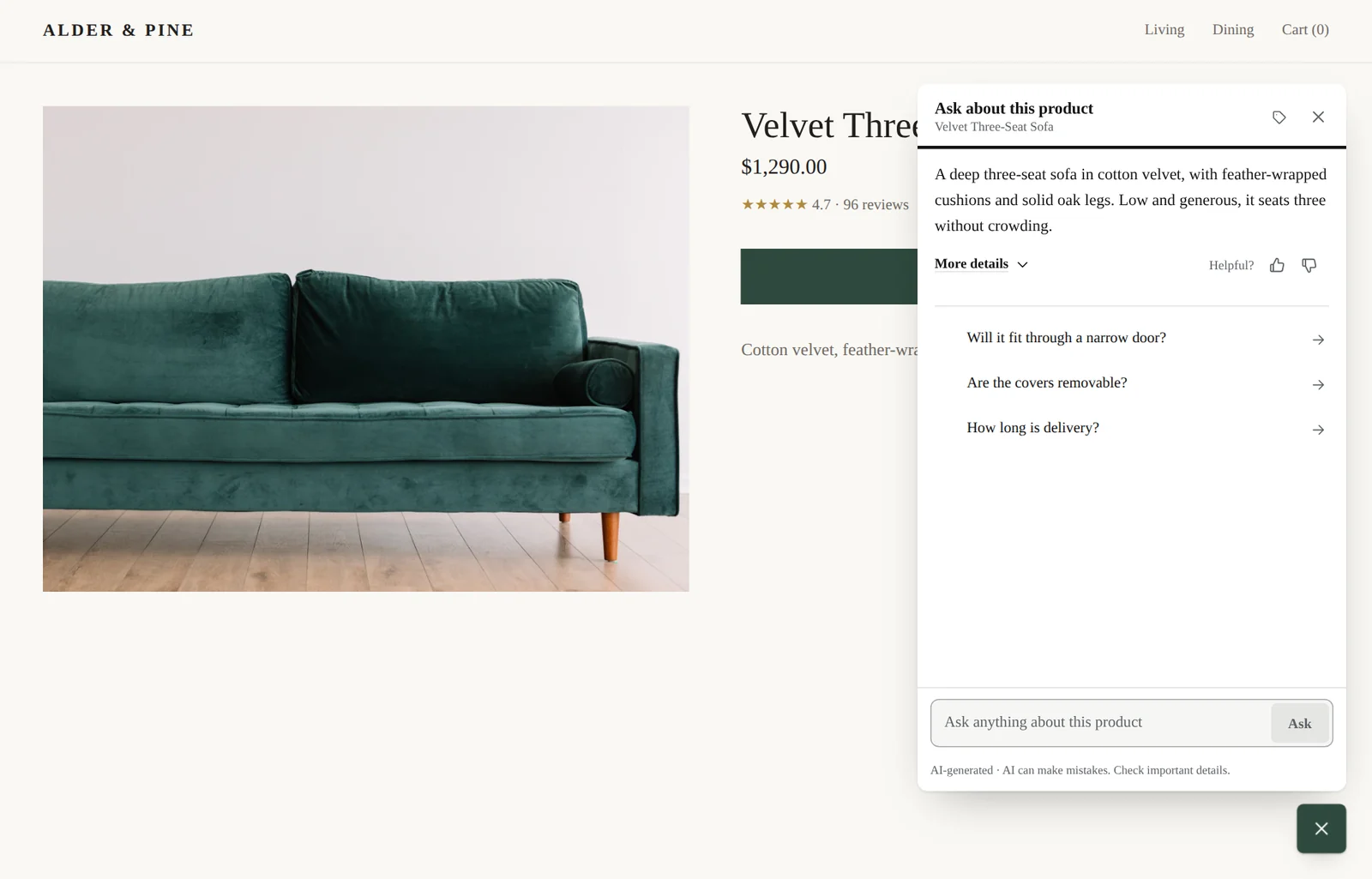
It takes your store’s font and finds its accent color from your theme. Then it’s yours to tune.
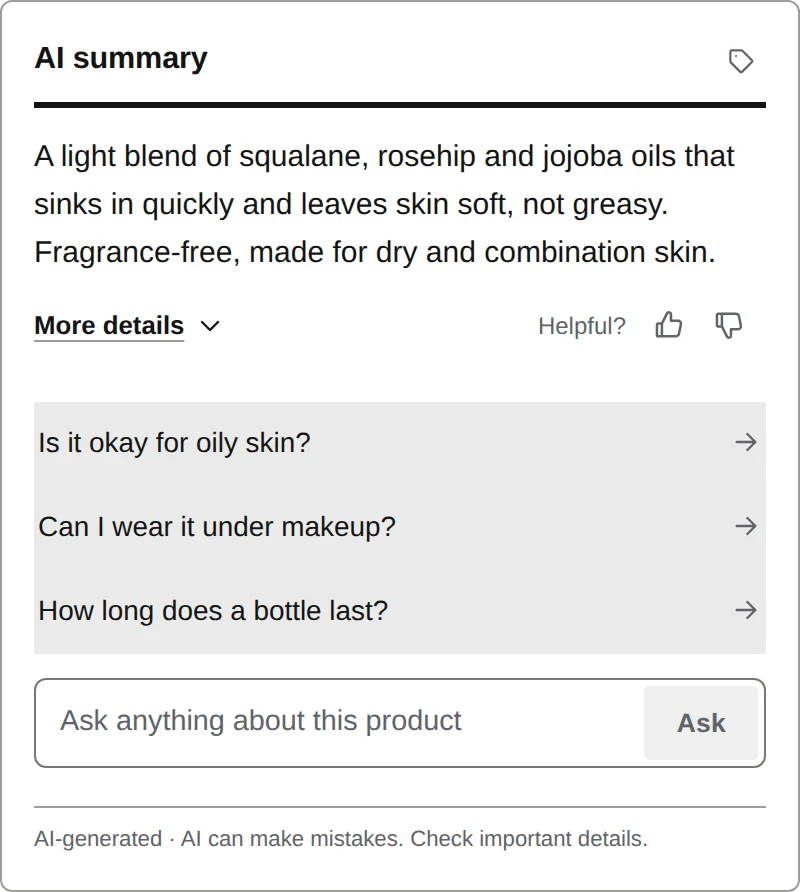
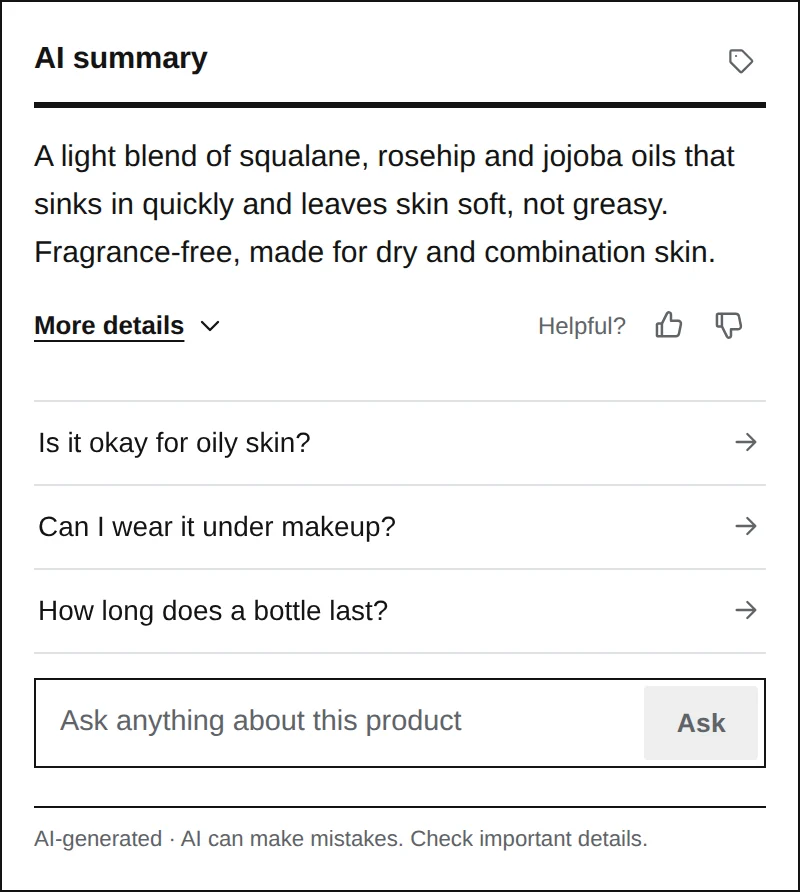
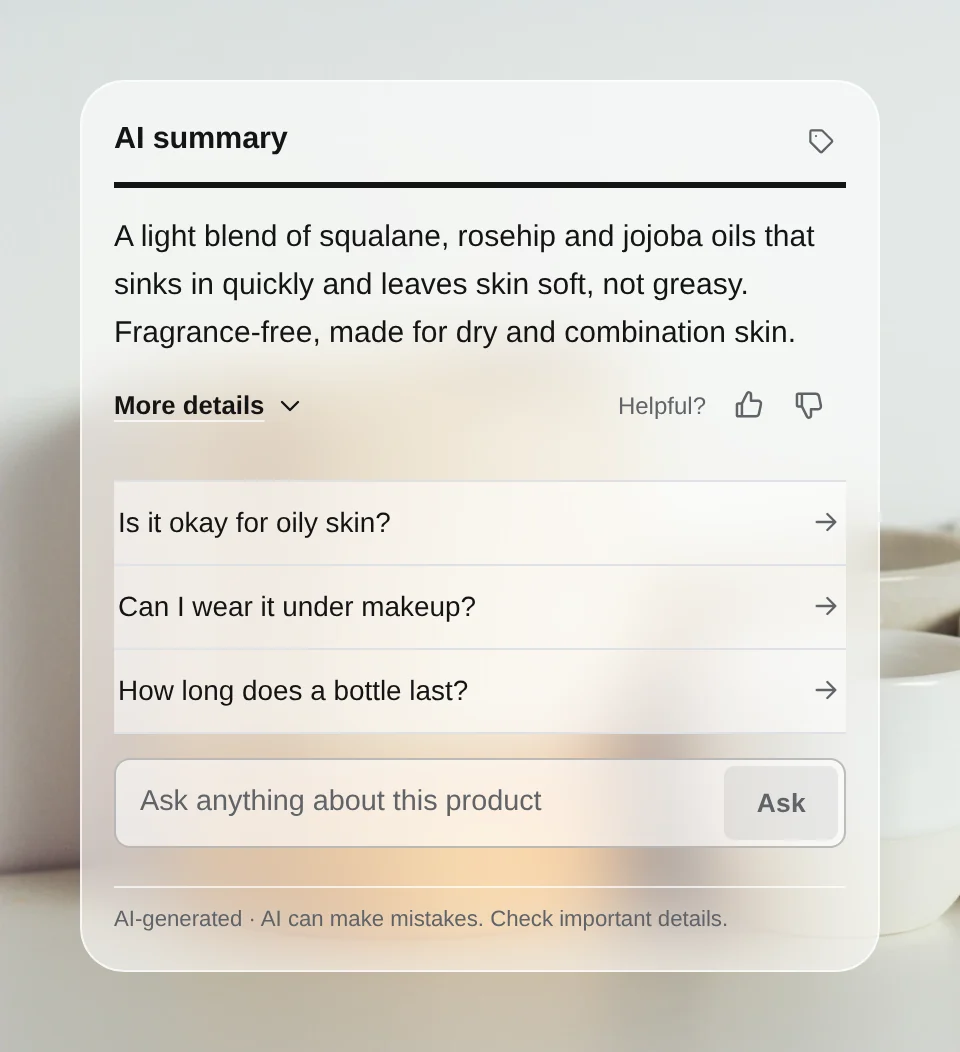
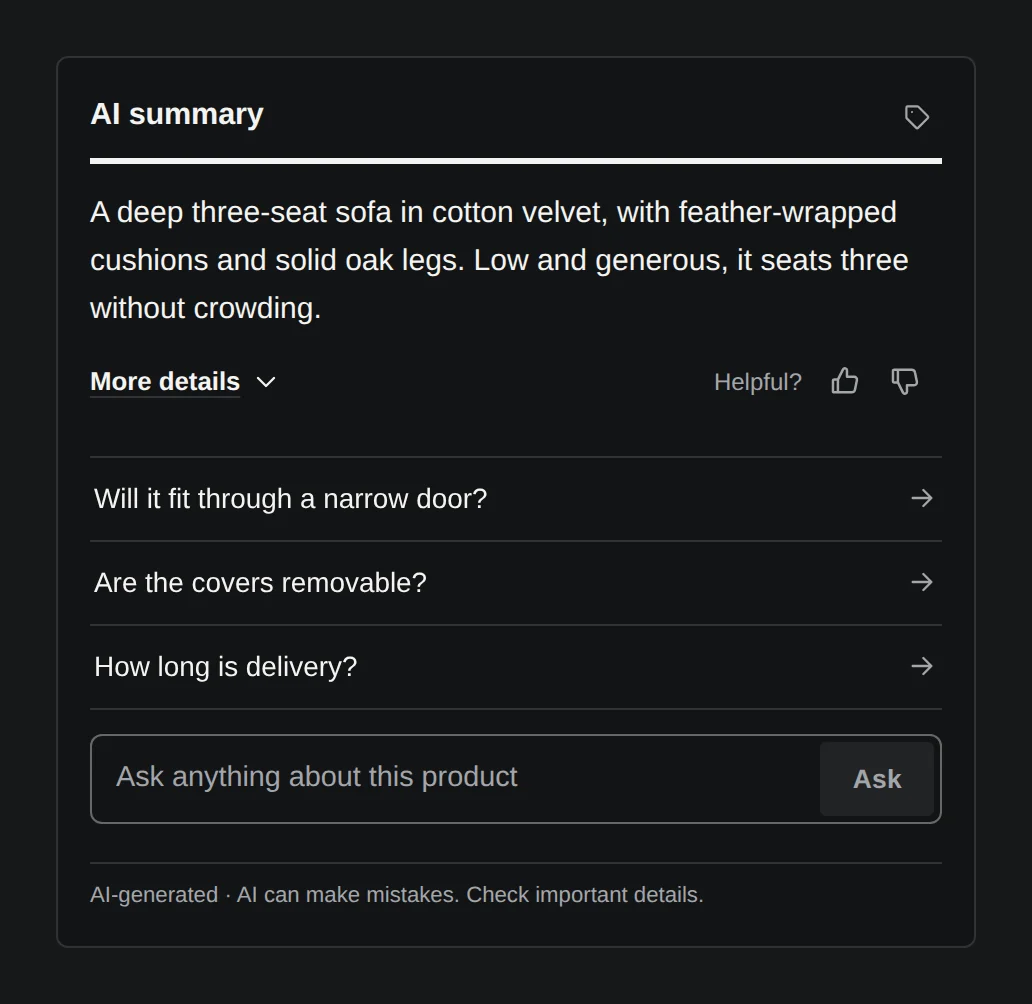
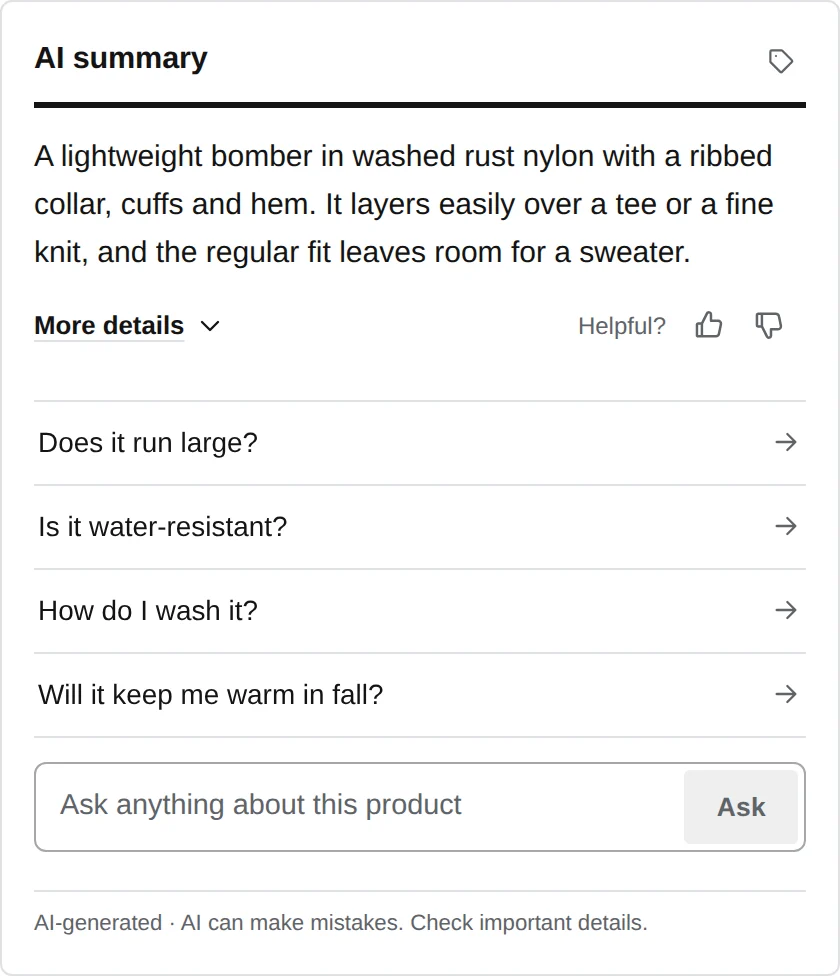
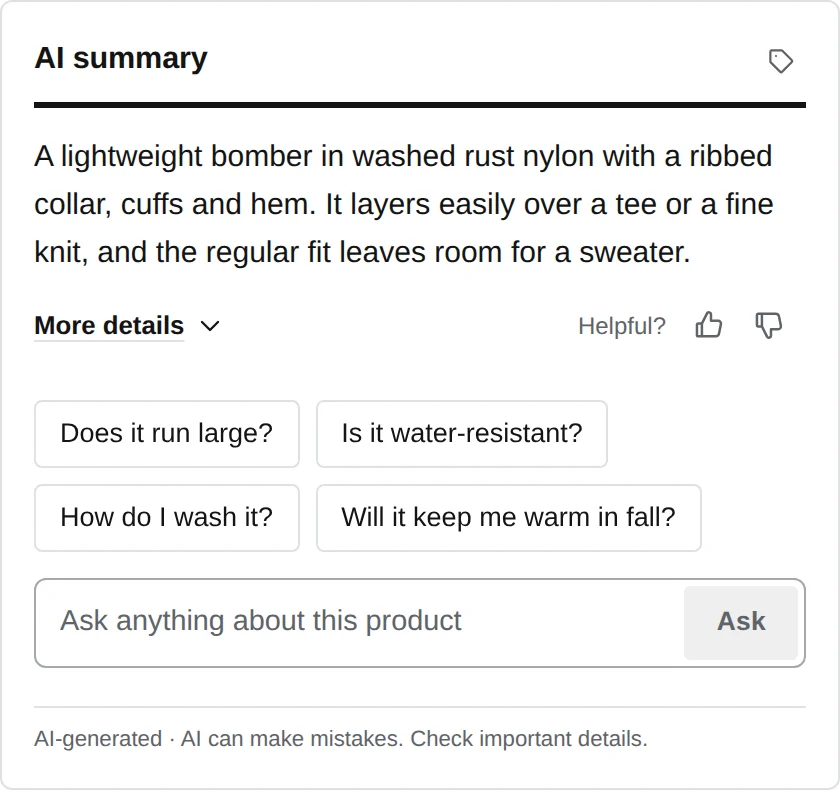
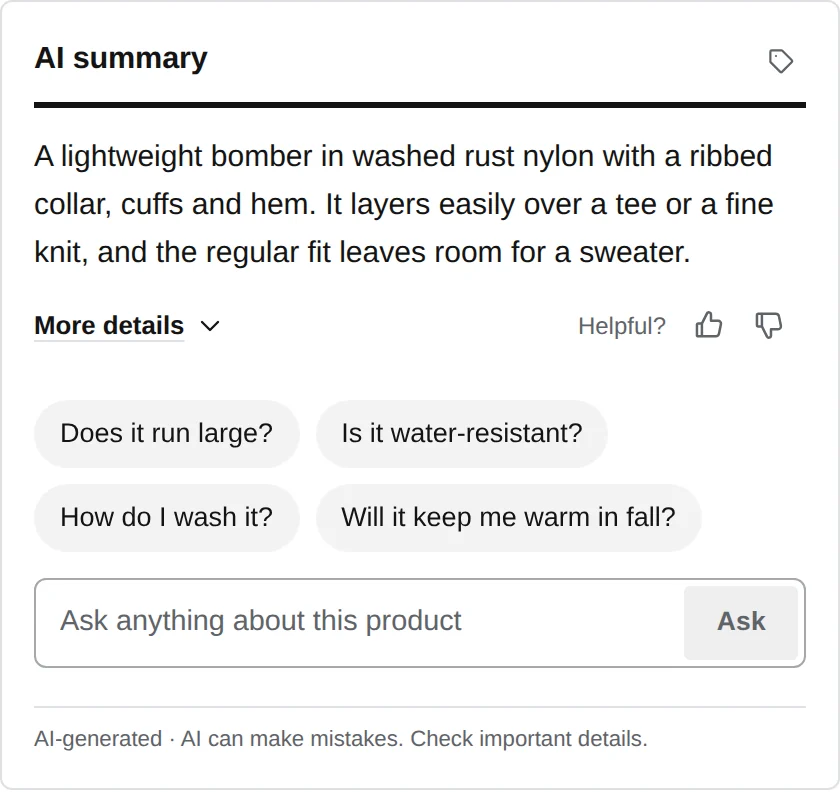
Start from one of five styles, each with a light and a dark version. The widget tells whether your page is light or dark from the page itself, not the shopper’s device. In the dashboard’s theme designer you can set every color, corner, size and spacing, and how questions are listed, with the real widget beside the controls.
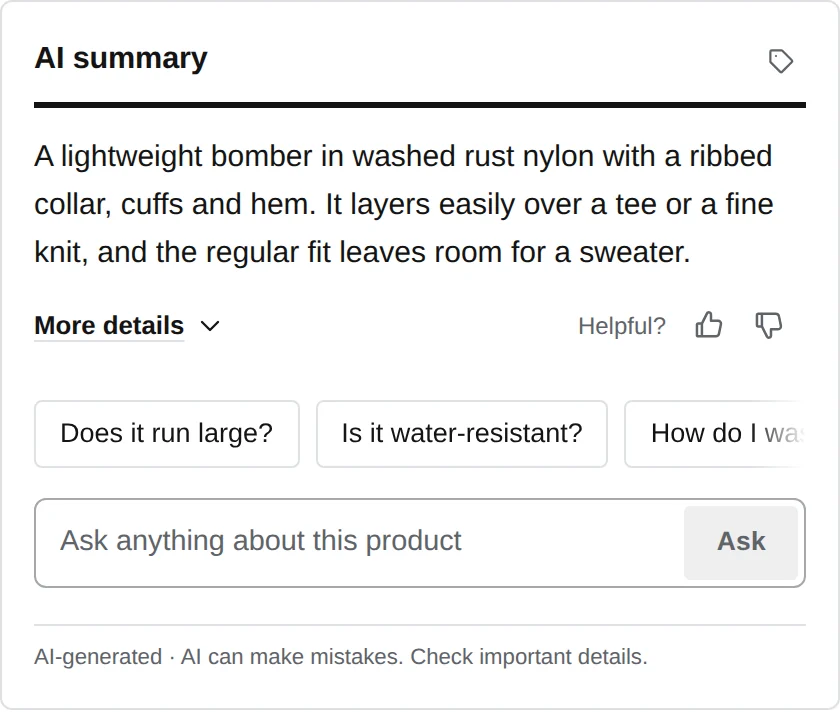
In the shopper’s language
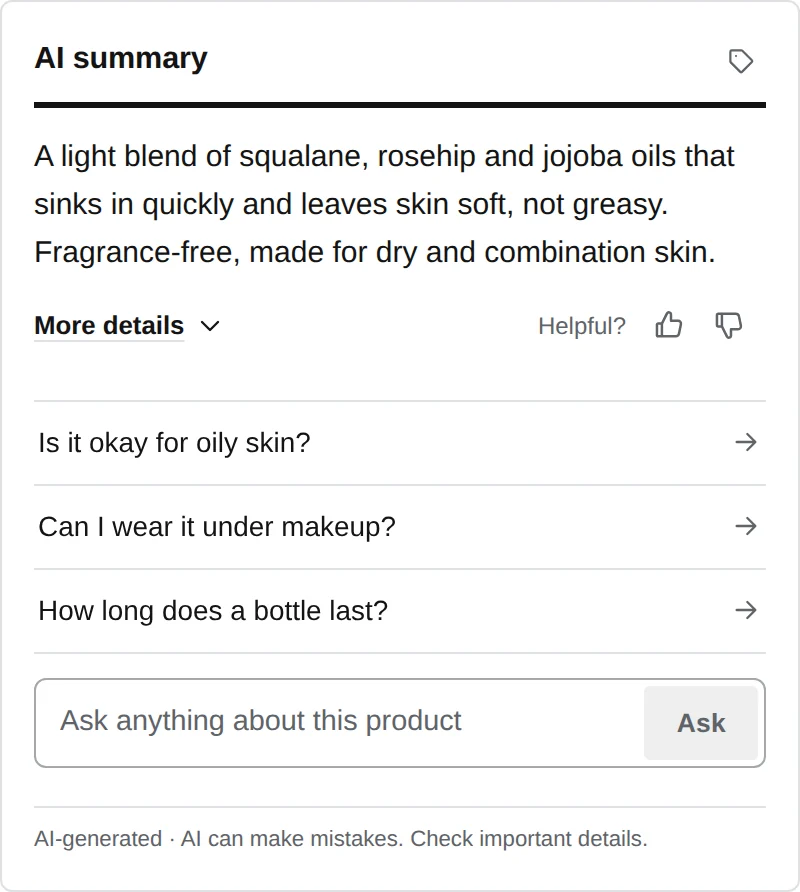
The page’s language picks the widget’s. Summaries and answers are written in it too.
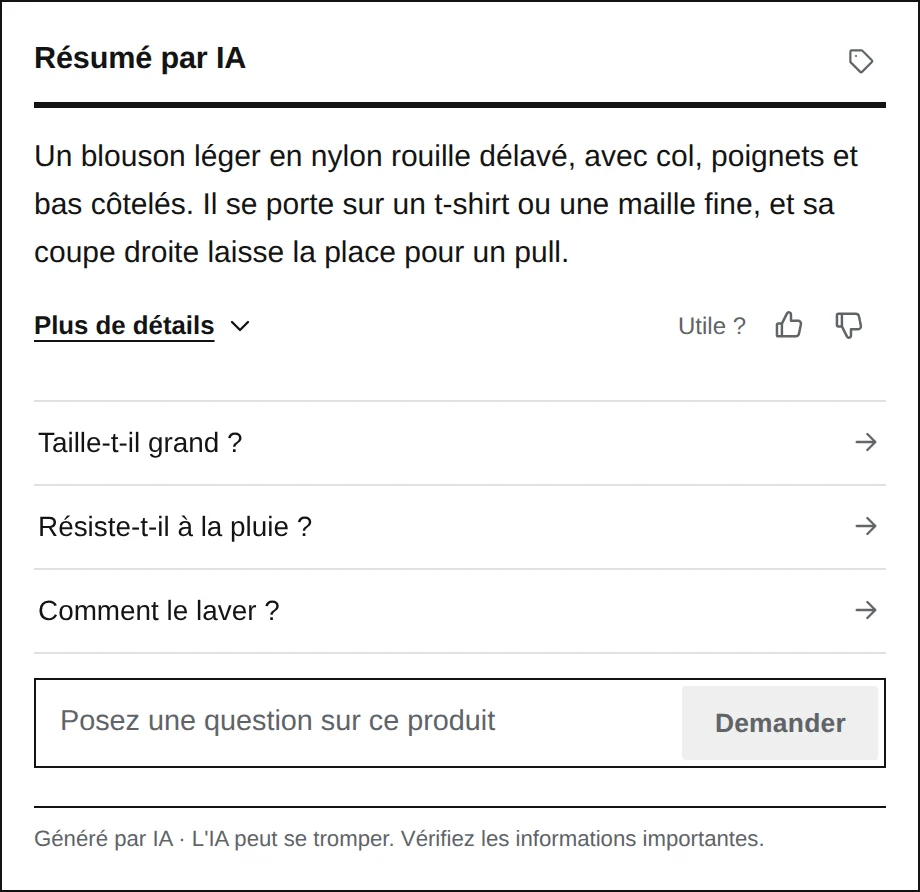
Any other language gets the widget in English. Your own wording, such as a disclaimer, is shown as you wrote it.
Other products, when they help
With a catalog from Shopify or WooCommerce, shoppers can ask the widget for other products from your store.
- Alternatives
Similar products from the same part of your catalog.
- Goes well with
Products of another kind that belong with this one.
- Cheaper options
The same kind of product at a lower price.
- Better rated
The same kind of product with a higher rating from your reviews.
Only products that are in stock and switched on are suggested. A site without a catalog has no suggestions.
For every shopper, on every screen
The same widget on a phone, with the keyboard, and with motion turned down.
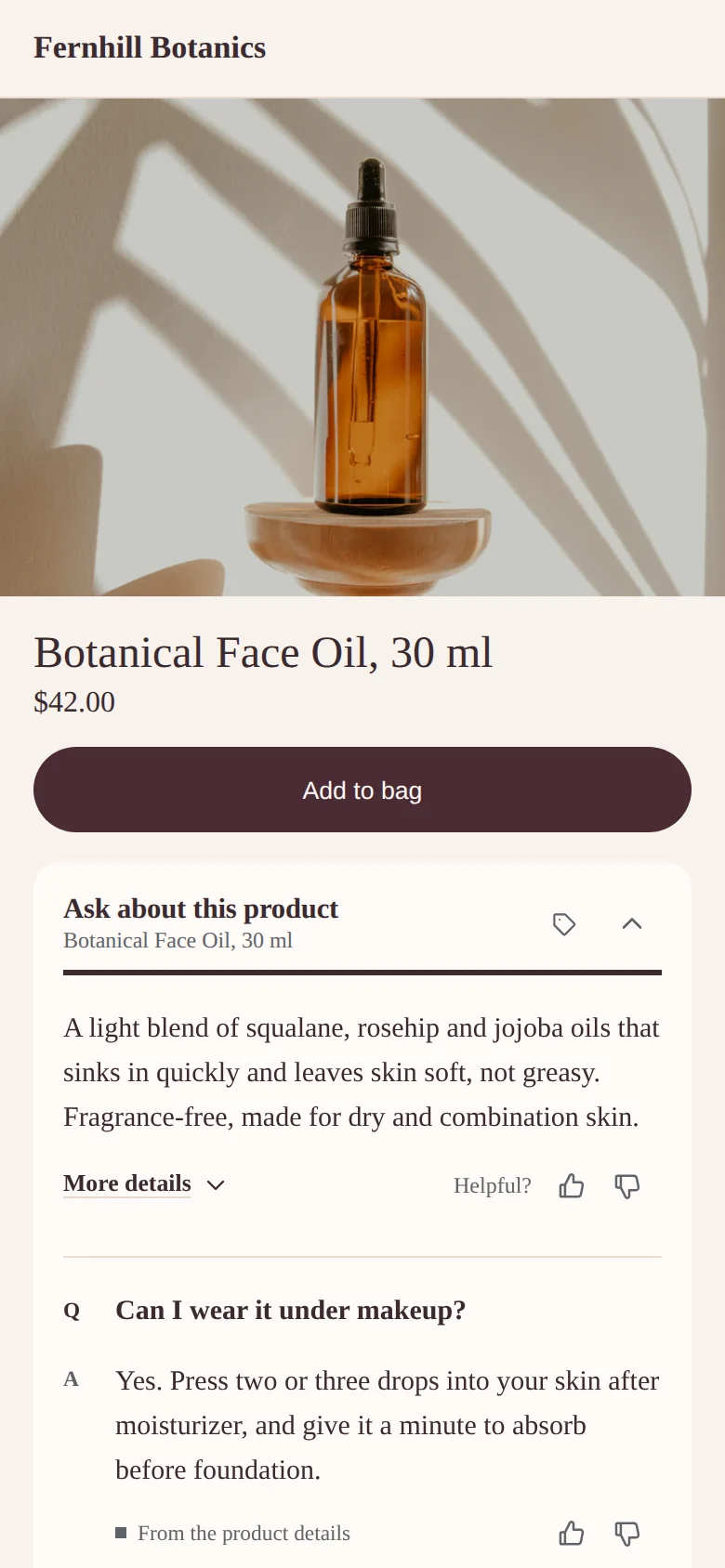
- Phones
Sized for the thumb, and the floating panel keeps focus inside it while it’s open.
- Keyboard
Questions, ratings and the question box all work from the keyboard.
- Reduced motion
With reduced motion on, nothing slides or types; text simply appears.
- Your page first
The script loads after your page and never blocks it. Content that’s already written comes from the edge, close to the shopper.
- Always disclosed
Every view says it’s AI-generated, with a short reminder to check what matters.
See it on your own products.
Start a trial and the dashboard shows the widget on your store, before anything goes live.